
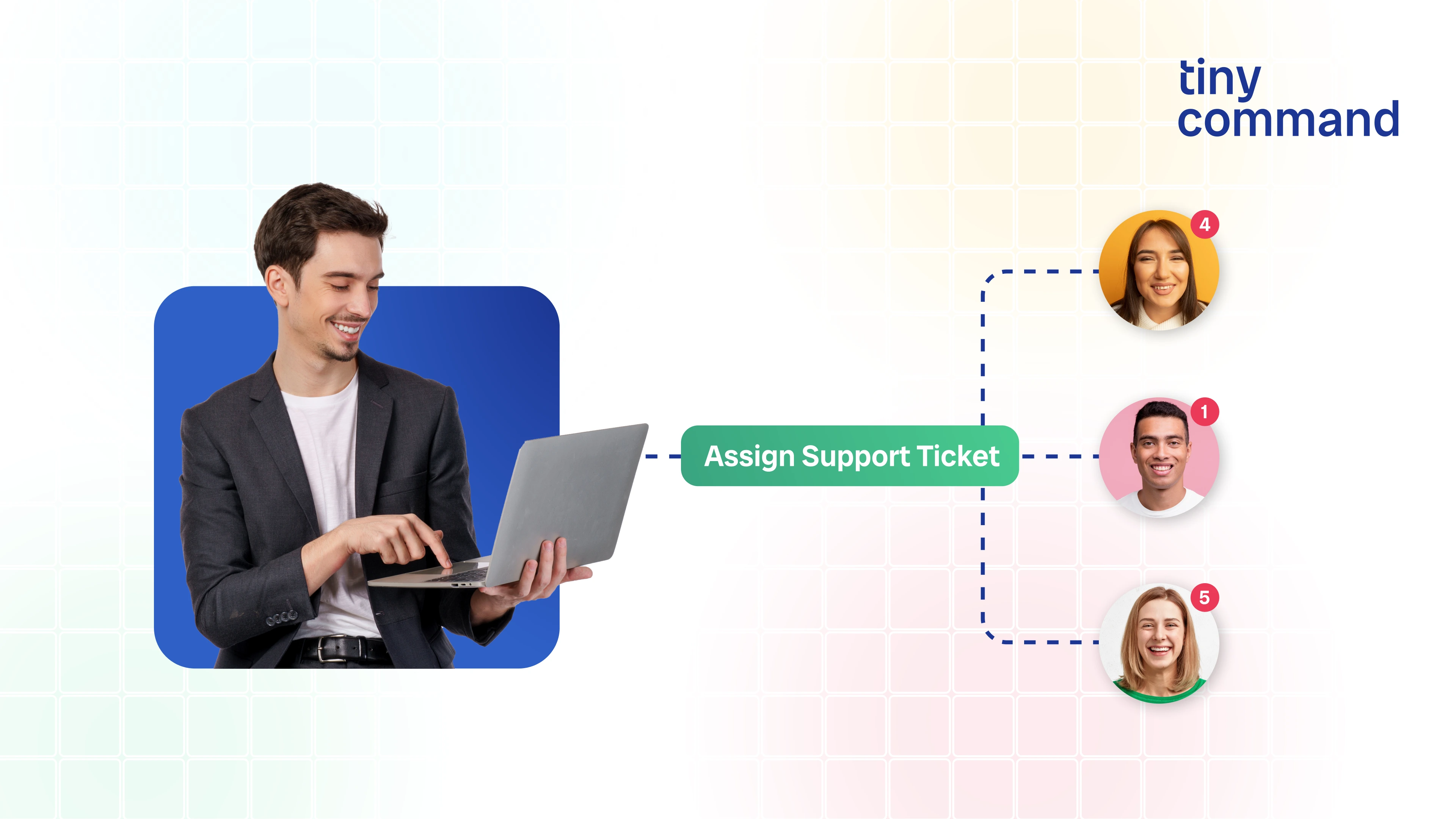
TL;DR
- Problem: Manual effort in assigning and managing support tickets
- Solution: Automated ticket analysis, assignment, and agent availability tracking
- Built in: Under an hour
- Replaces: Manual assignment, spreadsheets, scripts, and macros
- Best for: Support teams, ops managers, and founders handling support
If you’ve ever managed a support inbox, you know the problem usually isn’t answering customers.
It’s everything around it.
Tickets come in. Someone reads them. Someone decides which team should handle them. Someone checks who’s available. Someone assigns the ticket. And once the issue is solved, someone has to remember to update availability again.
None of this improves customer experience.It’s coordination work — and it quietly eats up hours every week.
This is the exact situation a customer support team was in before they automated their Zendesk ticket workflow using TinyCommand.
What we mean by “ticket automation” in this guide
Ticket automation doesn’t mean removing people from support. It means removing the coordination burden around support.
In this context, ticket automation means that incoming requests are analyzed, categorized, and routed automatically, while agent availability stays accurate without anyone maintaining spreadsheets or status notes.
Zendesk is used here as the ticketing system, but the workflow itself is not Zendesk-specific. The same approach works with any support or request-management platform.
How this customer automated ticket assignment and resolution
This workflow was built to eliminate manual effort in ticket assignment and agent availability tracking.
TinyCommand was used as the orchestration layer, with Zendesk acting as the ticketing system.
1. Structured support request intake
A customer support form was created using Tiny Forms and placed on the website or help page.
It collects only essential details such as:
- Name and email
- Company
- Department
- Issue description
Every submission is automatically stored in Tiny Tables, with no manual database setup.
2. Automated issue analysis using AI
Each form submission triggers a workflow automatically.
A Tiny GPT step analyzes the support request, acting like a senior support analyst.
It generates structured outputs:
- Ticket subject
- Issue type
- Priority
- Clean description
This ensures consistent, high-quality ticket metadata before creation.
3. Rules-based ticket assignment
Two reference tables are maintained:
- A staff table containing agent details, Zendesk assignee IDs, and availability
- A department-to-group mapping table
The workflow:
- Matches the issue to the correct department
- Finds an available agent
- Ensures the same agent is not assigned multiple tickets simultaneously
4. Automatic ticket creation in Zendesk
Using the Zendesk integration, the ticket is created with all fields filled automatically:
- Subject
- Assignee
- Group
- Priority
- Issue type
- Requester details
- Description
At the same time, the assigned agent is marked as unavailable to prevent overload.
5. Availability reset on ticket resolution
A second workflow listens for ticket status changes inside Zendesk.
When a ticket is marked as solved:
- The workflow identifies the assigned agent
- Updates their availability back to “available”
The only manual step required is the agent marking the ticket as completed.
Tools used to build this system
This workflow was built using:
- TinyForms for structured support intake
- TinyTables for tracking agents, departments, and availability
- TinyWorkflows for routing and assignment logic
- TinyGPT for issue analysis
- Zendesk as the ticketing system
No spreadsheets. No scripts. No macros.
What this workflow eliminates
This setup removes the need for:
- Manual ticket assignment
- Spreadsheets to track agent availability
- Custom scripts or bots
- Zendesk macros for routing logic
Support teams focus on solving issues, not coordinating work.
The impact
After this workflow was implemented:
- Ticket assignment required little to no manual effort
- New tickets were routed faster and more consistently
- Support load was distributed more evenly
- Agent availability stayed accurate automatically
The entire system was built and deployed in under an hour.
This workflow also works for
The same pattern applies beyond customer support:
- Internal IT helpdesks
- HR support requests
- Operations or facilities teams
- Any request-based workflow that needs routing and accountability


