

Automate your CRM and marketing with HubSpot
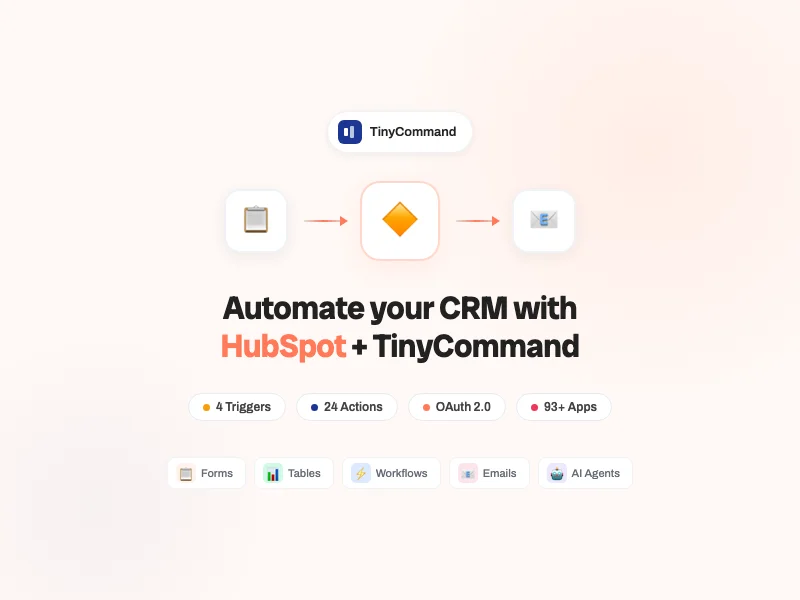
Connect HubSpot to TinyCommand and automate contact management, deal tracking, ticket handling, and marketing workflows. No code required.
Supported & maintained by TinyCommand
What is HubSpot?
HubSpot is the leading CRM platform for growing businesses. Over 228,000 companies use it for contact management, deal tracking, email marketing, and customer service. The free CRM alone powers millions of sales pipelines worldwide.
CRM Modules
Contacts & Companies
Create, update, search, and delete contacts and companies. Sync lead data from TinyForms directly into HubSpot. Enrich records with AI from TinyAgents. Keep your CRM always up-to-date without manual entry.
Deals & Pipeline
Create deals, update stages, search pipeline, and track revenue. When a form is submitted or a payment is received, automatically move deals through your pipeline. No more forgotten follow-ups.
Tickets & Support
Create support tickets, update status, search and resolve. Route customer issues from TinyForms or email to HubSpot tickets automatically. AI classifies severity and assigns to the right team.
What you can automate with HubSpot
Real automation patterns TinyCommand users build every day with HubSpot.



Triggers & Actions
4 Triggers
Events in HubSpot that automatically start your workflows.
New Contact Created/Updated
New Company Created/Updated
New Deal Created/Updated
New Meeting Scheduled
24 Actions
Create or Update a Contact
Events in HubSpot that automatically start your workflows.
Contacts
Deals
Companies
Tickets
Lists
24 actions across Contacts, Companies, Deals, Tickets, and Lists. Full CRM automation without leaving TinyCommand.
Connect HubSpot with...








Why TinyCommand for HubSpot?
What you get here that you don't get with Zapier or Make.
💎
One Price
Full platform from $19/mo. Not $100+ across separate tools.
🤖
AI Agents
TinyAgents scores leads and drafts outreach before HubSpot assignment.
📧
Native Email
TinyEmails sends sequences while HubSpot tracks the pipeline.
📊
Native Database
TinyTables enriches lead data with AI columns before syncing to HubSpot.
📋
Native Forms
TinyForms captures leads and syncs directly to HubSpot contacts. No separate form tool.
Frequently Asked Questions
How do I connect HubSpot to TinyCommand?
Can I sync TinyForms submissions to HubSpot?
Does it work with HubSpot's free CRM?
Ready to automate HubSpot?
Free forever. No credit card. Connect HubSpot in 2 minutes.
Start Building for Free
Thank you! Your submission has been received!
Oops! Something went wrong while submitting the form.


