

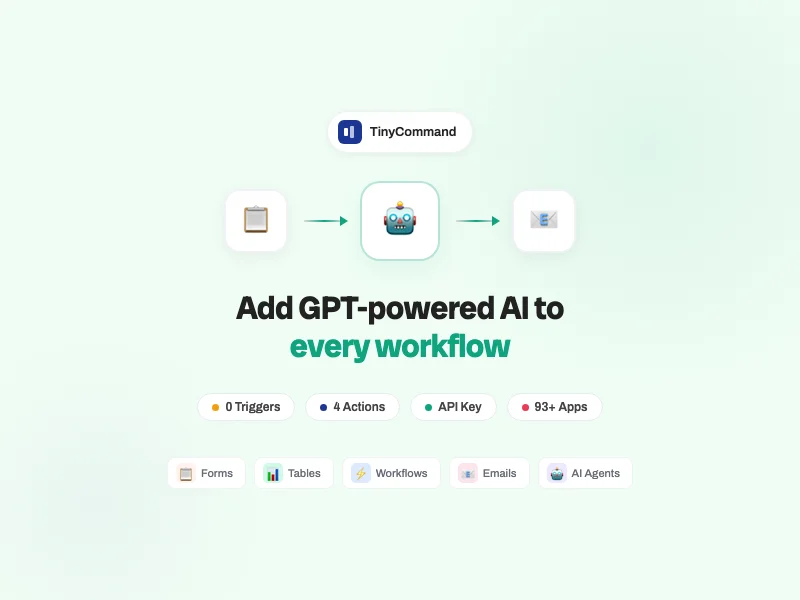
Add GPT-powered AI to every workflow
Connect OpenAI to TinyCommand and automate text generation, image creation, audio conversion, and vision analysis across your business. No code required.
Supported & maintained by TinyCommand
What is OpenAI?
GPT-4o (flagship, multimodal, fastest), GPT-4 Turbo (high capability, 128K context), GPT-3.5 Turbo (cheapest, high volume). Plus DALL-E 3 for image generation and TTS for audio.
Available Models
AI Pioneer
OpenAI builds the GPT family of models — the most widely deployed AI in the world. GPT-4o powers ChatGPT, Microsoft Copilot, and thousands of business applications. Over 2 million developers use the API.
Workflow Integration
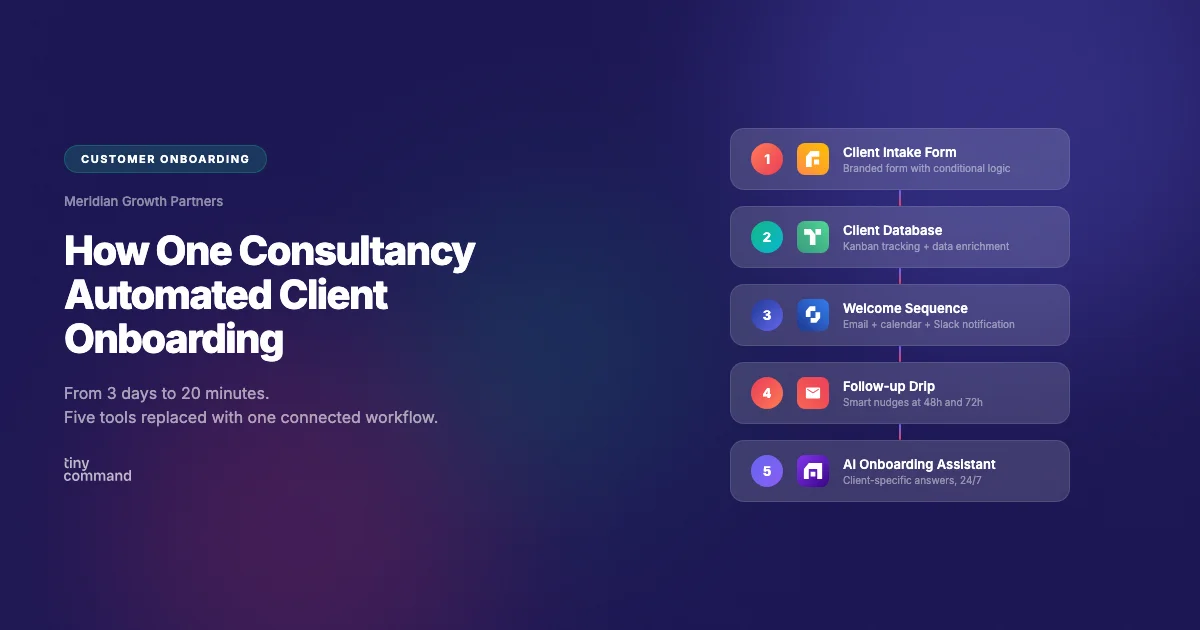
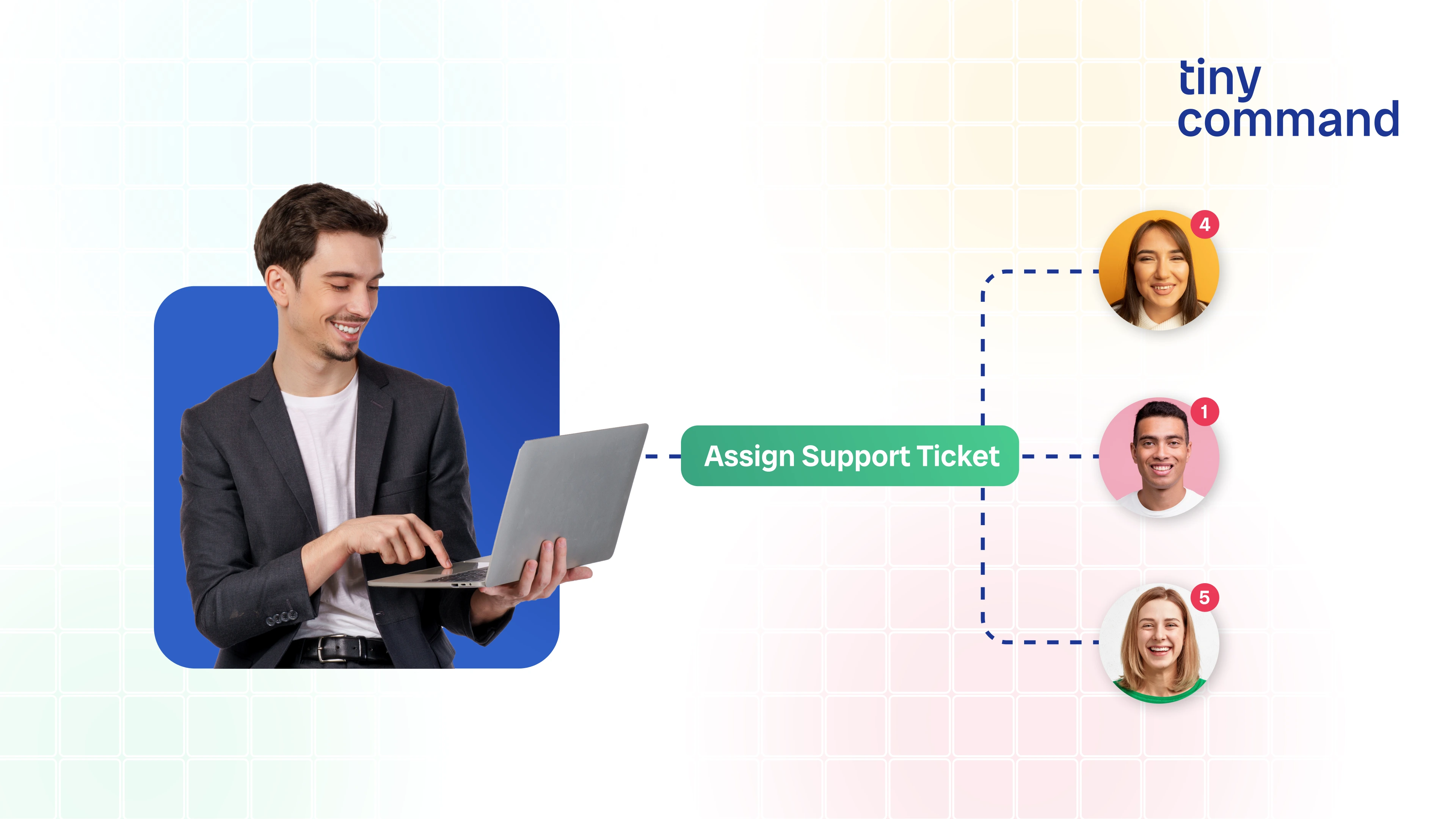
On TinyCommand, OpenAI becomes a workflow step. A form submission triggers a GPT prompt. A database record gets enriched by AI analysis. An email draft gets written by GPT and sent through Gmail. Images get generated by DALL-E and stored in your database.
Business Impact
Unlike standalone ChatGPT, the OpenAI integration on TinyCommand connects your AI prompts to real business data and actions. Your GPT outputs do not stay in a chat window — they flow into emails, databases, Slack channels, and customer touchpoints.
What you can automate with OpenAI
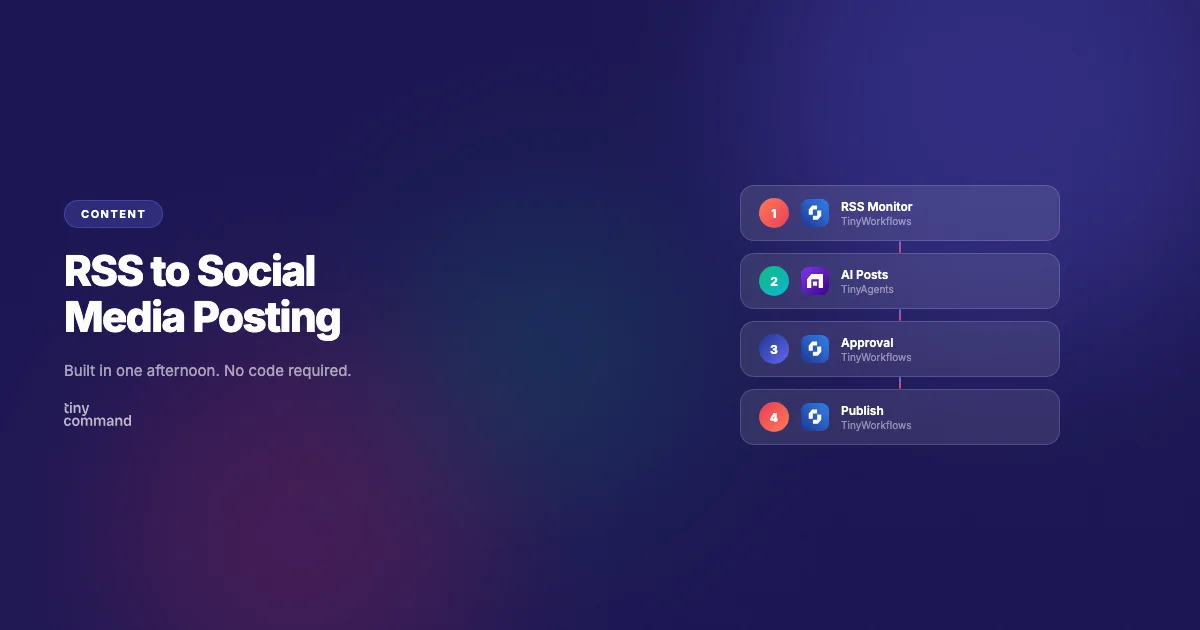
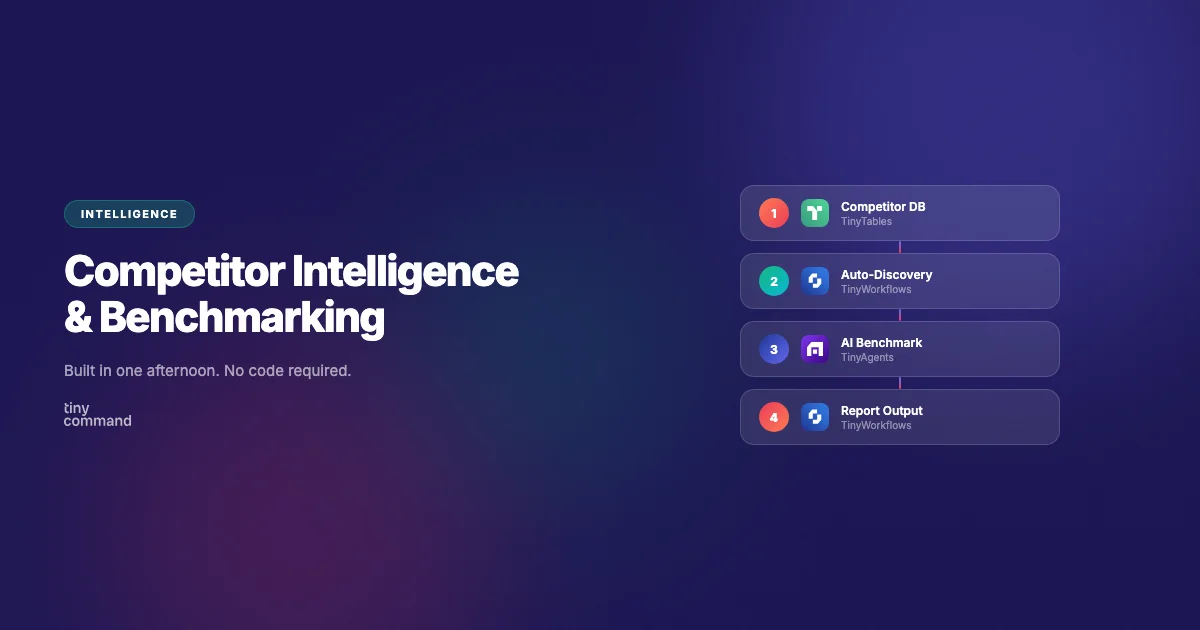
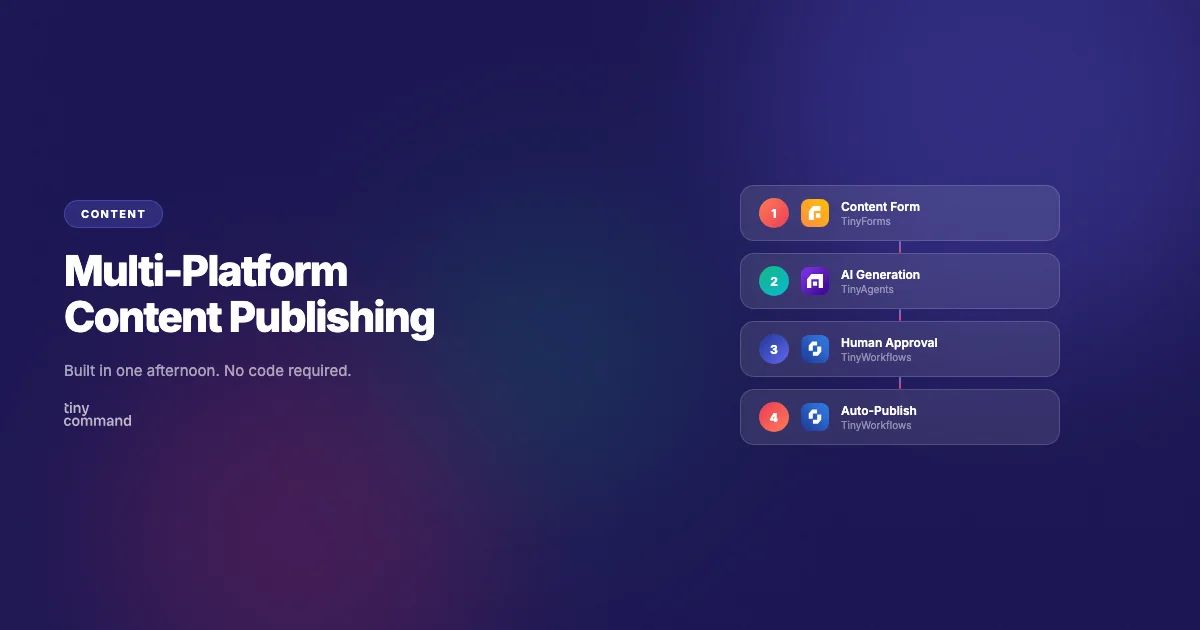
Real automation patterns TinyCommand users build every day with GPT-4o.


Triggers & Actions
0 Triggers
OpenAI responds when called — it does not emit events. Pair it with a trigger from any other app to start your workflow.
TinyForms → New form submission
Gmail → New email received
Stripe → Payment event
TinyTables → New row added
Schedule → Runs on a timer
4 Actions
Chat Completion
OpenAI responds when called — it does not emit events. Pair it with a trigger from any other app to start your workflow.
GPT-4o
GPT-4 Turbo
GPT-3.5 Turbo
System prompt
Temperature
4 actions: Chat Completion, Generate Image (DALL-E), Text to Audio (TTS), Analyze Image (Vision). One integration, four AI capabilities.
Connect OpenAI with...






Why TinyCommand for OpenAI?
What you get here that you don't get with Zapier or Make.
💎
One Price
Full platform from $19/mo. Not $100+ across separate tools.
🧠
Multi-Model
OpenAI, Claude, Gemini in the same workflow. Compare outputs. Switch per step.
📧
Native Email
TinyEmails sends GPT-drafted emails with merge fields and sequences.
📊
Native Database
TinyTables stores GPT outputs with 7 views and AI columns. No Airtable.
📋
Native Forms
TinyForms captures data and feeds it directly to GPT prompts. No separate form tool.
Frequently Asked Questions
Do I need my own OpenAI API key?
What OpenAI models are supported?
How does OpenAI compare to Claude on TinyCommand?
Ready to add GPT to your workflows?
Free forever. No credit card. Connect OpenAI in 2 minutes.
Start Building for Free
Thank you! Your submission has been received!
Oops! Something went wrong while submitting the form.


