

Automate payments and billing with Stripe
Connect Stripe to TinyCommand and automate payment tracking, customer creation, checkout sessions, and refund workflows. No code required.
Supported & maintained by TinyCommand
What is Stripe?
Stripe powers online payments for millions of businesses worldwide — from startups to Fortune 500 companies. It processes hundreds of billions of dollars annually across 195 countries with support for 135+ currencies.
Payment Capabilities
Payments
Track new payments in real-time. When a customer pays, trigger workflows that update your database, send confirmation emails, notify your team on Slack, and create CRM records — all automatically.
Customers
Create Stripe customers from form submissions. When someone signs up through TinyForms, their billing profile is created in Stripe automatically with email, name, and metadata from the form.
Checkout
Generate Checkout Sessions programmatically. Build custom payment flows where your workflow creates a Stripe checkout link and sends it to the customer via email or Slack.
What you can automate with Stripe
Real payment automation patterns TinyCommand users build.


Triggers & Actions
1 Trigger
Events in Stripe that automatically start your workflows.
New Payment Received
3 Actions
Create Customer
Events in Stripe that automatically start your workflows.
Customers
Checkout
Refunds
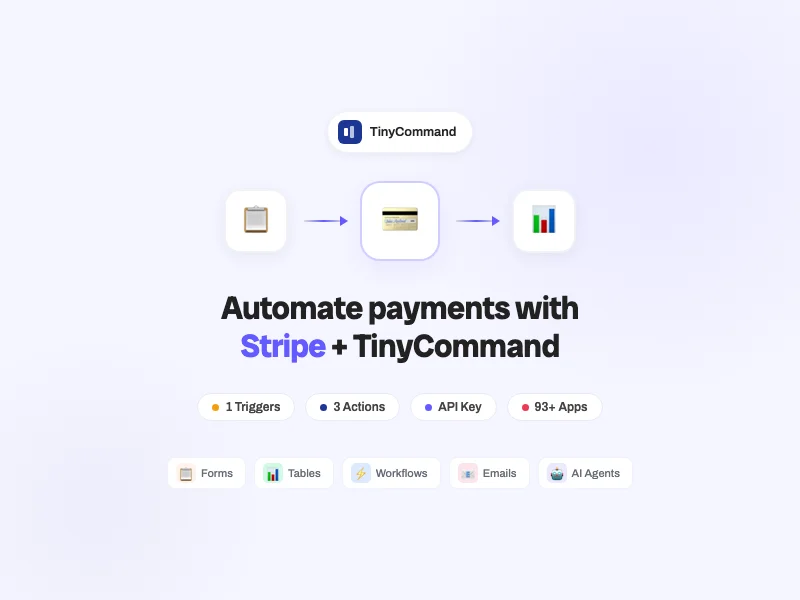
3 actions: Create Customer, Create Checkout Session, Refund Charge. Payment automation without touching the Stripe dashboard.
Connect Stripe with...





Why TinyCommand for Stripe?
What you get here that you don't get with Zapier or Make.
💎
One Price
Full platform from $19/mo. Not $100+ across separate tools.
🤖
AI Agents
TinyAgents writes recovery emails for failed payments.
📧
Native Email
TinyEmails sends payment confirmations and receipt emails.
📊
Native Database
TinyTables logs every payment with 7 views for revenue reporting.
📋
Native Forms
TinyForms collects payment info and creates Stripe customers automatically.
Frequently Asked Questions
How do I connect Stripe to TinyCommand?
Can I trigger workflows from Stripe payments?
Does it support subscriptions and recurring billing?
Ready to automate Stripe?
Free forever. No credit card. Connect Stripe in 2 minutes.
Start Building for Free
Thank you! Your submission has been received!
Oops! Something went wrong while submitting the form.


